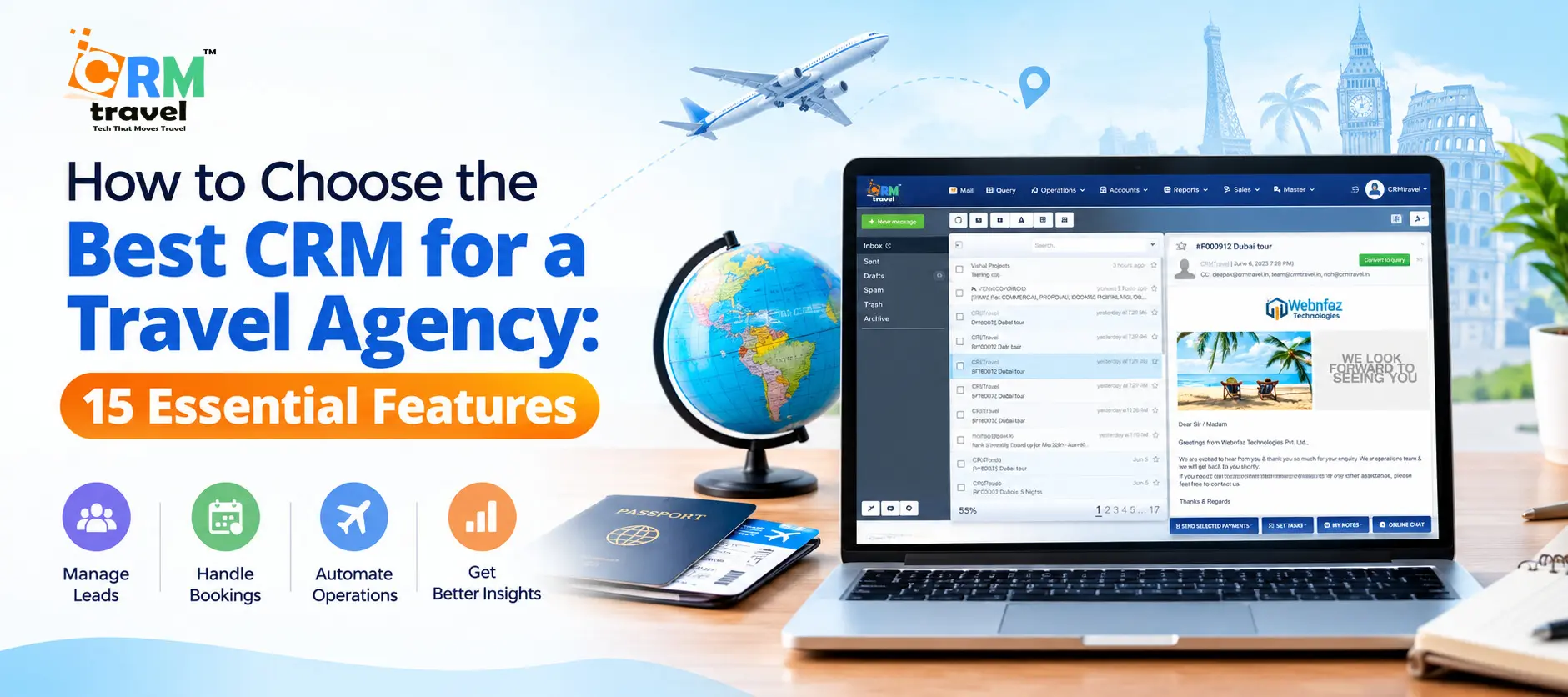
Running a travel agency means juggling dozens of moving parts at once: leads from five channels, quotes waiting on supplier replies, passengers who change dates at the last minute, and payments due in installments. Spreadsheets, inboxes, and sticky notes can’t keep up for long.
That’s why more agencies are moving to dedicated travel management software. A general-purpose CRM tracks contacts and deals, but a travel CRM understands itineraries, suppliers, commissions, and trip timelines.
This guide covers the 15 essential features to look for when choosing the best CRM for a travel agency, how to evaluate vendors, and the mistakes to avoid.
Why Travel Agencies Need a Specialized CRM
Most generic CRMs were built for software sales or real estate. Travel is different:
◼ Long, multi-stage sales cycles. A customer may inquire months before departure, revise the quote several times, then pay in stages.
◼ Many suppliers per booking. One trip can involve airlines, hotels, transfers, tour operators, and local guides.
◼ Complex pricing. Markups, commissions, taxes, currency conversion, and group rates all affect your margins.
◼ Highly personal service. Travelers expect you to remember their preferences, passport details, and special occasions.
The best travel CRM software handles all of this in one platform, so your team spends less time on admin and more time selling trips.
Quick Overview: The 15 Essential Features
| # |
Feature |
Why It Matters |
| 1 |
Lead capture & management |
Never lose an inquiry |
| 2 |
Sales pipeline |
Track every deal to booking |
| 3 |
Itinerary builder |
Create professional proposals fast |
| 4 |
Quotation & pricing engine |
Protect your margins |
| 5 |
Booking management |
Keep every reservation organized |
| 6 |
Supplier management |
Control costs and relationships |
| 7 |
Invoicing & payments |
Get paid on time |
| 8 |
Customer profiles & history |
Personalize service |
| 9 |
Email, WhatsApp & SMS integration |
Communicate where clients are |
| 10 |
Marketing automation |
Drive repeat business |
| 11 |
Task & workflow automation |
Reduce manual work |
| 12 |
Reporting & analytics |
Make data-driven decisions |
| 13 |
Team & role management |
Collaborate securely |
| 14 |
Integrations & API access |
Connect your existing tools |
| 15 |
Security, support & scalability |
Protect data and grow confidently |
Let’s look at each in detail.
1. Lead Capture and Management
Every sale starts with an inquiry, and in travel, inquiries arrive from everywhere: your website forms, Facebook and Instagram ads, WhatsApp chats, phone calls, emails, and OTA referrals.
The best travel agency CRM automatically captures leads from all these sources into one dashboard. Look for:
◼ Website form and landing page integration
◼ Social media and chat lead capture
◼ Automatic lead assignment to agents
◼ Duplicate detection
◼ Lead source tracking, so you know which channels deliver ROI
If a lead takes more than a few hours to get a response, there’s a good chance they’ve already booked elsewhere. Automated assignment and instant notifications give you the speed advantage.
2. Visual Sales Pipeline
A pipeline shows exactly where every inquiry stands: new lead, quote sent, negotiation, payment pending, confirmed, or lost. A drag-and-drop pipeline lets agents and managers see the whole picture at a glance.
◼ Customize pipeline stages to match your sales process
◼ Set follow-up reminders for each stage
◼ Filter by destination, travel date, agent, or deal value
◼ Forecast revenue from deals in progress
This visibility prevents deals from silently stalling and helps managers coach their teams.
3. Itinerary Builder
Your itinerary is your product, and it needs to look good. Building one in Word or Excel is slow and error-prone. A built-in itinerary builder lets agents assemble day-by-day plans in minutes using saved templates, hotels, activities, and transfers.
Key capabilities include:
◼ Reusable itinerary templates for popular destinations
◼ Drag-and-drop day planning
◼ Image, map, and description libraries
◼ Branded, shareable PDF or web-link proposals
◼ Easy revisions without rebuilding from scratch
A polished, branded proposal sent within hours dramatically improves your conversion rate.
4. Quotation and Pricing Engine
Accurate quotes protect your profit. The best travel CRM should calculate costs automatically, including supplier rates, markups, taxes, and currency conversion.
Look for:
◼ Multi-currency support with live or custom exchange rates
◼ Flexible markup rules (percentage or fixed)
◼ Per-person, per-room, and group pricing
◼ Quote versioning, so you can compare revisions
◼ One-click conversion from quote to booking
Automating pricing eliminates costly spreadsheet mistakes, which can quietly drain thousands from your margins each year.
5. Booking Management
Once the customer says yes, the real work begins. Booking management centralizes every reservation, confirmation number, voucher, and document for each trip.
An effective system provides:
◼ A single record per trip with all components (flights, hotels, tours, transfers)
◼ Status tracking (confirmed, pending, cancelled)
◼ Automatic voucher and confirmation generation
◼ Document storage for passports, visas, and tickets
◼ Alerts for upcoming departures and deadlines
When a customer calls with a question, any team member should be able to pull up the full booking in seconds.
6. Supplier and Vendor Management
Your suppliers are the backbone of your business. A good CRM stores supplier contacts, contracts, rate sheets, commission terms, and payment schedules in one place.
Features to prioritize:
◼ Supplier database with ratings and notes
◼ Contract and net-rate storage
◼ Payables tracking and payment reminders
◼ Commission tracking by supplier
◼ Quick supplier quote requests
This keeps your costs transparent and makes negotiating better rates easier because you can see exactly how much business you send each partner.
7. Invoicing and Payment Tracking
Late or missed payments hurt cash flow. The best travel management software includes built-in invoicing and payment tracking, so finance isn’t a separate headache.
Look for:
◼ Automated invoice generation from bookings
◼ Installment and deposit schedules
◼ Payment reminders sent automatically
◼ Support for multiple payment gateways
◼ Tracking of receivables, payables, and profit per booking
◼ Tax (GST, VAT) handling
Seeing real profit per trip, not just revenue, is one of the biggest advantages of a purpose-built system.
8. Customer Profiles and Travel History
Repeat customers are the most profitable part of any agency. A detailed customer profile lets you deliver the personal service that large online travel platforms can’t match.
Strong profiles include:
◼ Contact details and communication history
◼ Past and upcoming trips
◼ Preferences (seat, meal, hotel type, budget)
◼ Passport and visa information (stored securely)
◼ Birthdays, anniversaries, and special occasions
◼ Family and group relationships
When you remember that a client loves boutique hotels and travels every September, you can reach out at exactly the right time.
9. Email, WhatsApp, and SMS Integration
Your customers communicate across multiple channels, and your CRM should too. Switching between apps wastes time and scatters conversation history.
◼ Two-way email sync
◼ WhatsApp Business integration
◼ SMS notifications
◼ Message templates for quotes, reminders, and confirmations
◼ A unified conversation timeline per customer
In many regions, WhatsApp is now the primary channel for travel inquiries, which makes this feature close to non-negotiable.
10. Marketing Automation
Winning new customers is expensive. Marketing automation helps you stay in touch with past clients and nurture leads who aren’t ready to book yet.
Useful capabilities:
◼ Email campaigns with segmentation (by destination, travel type, or spend)
◼ Automated drip sequences for new leads
◼ Post-trip review and feedback requests
◼ Birthday and anniversary offers
◼ Seasonal promotions and newsletters
Automatic follow-ups after every trip turn one-time travelers into loyal repeat customers and referral sources.
11. Task and Workflow Automation
Automation is where a CRM pays for itself. Instead of relying on memory, you build rules that trigger actions automatically.
Examples include:
◼ Create a follow-up task three days after sending a quote
◼ Send a payment reminder one week before the due date
◼ Notify the operations team when a booking is confirmed
◼ Email travel documents 14 days before departure
◼ Request a review after the trip ends
Look for a visual workflow builder that doesn’t require technical skills. The more routine work you automate, the more clients each agent can handle.
12. Reporting and Analytics
You can’t improve what you don’t measure. The best CRM for a travel agency gives you clear dashboards and reports on the numbers that matter.
Key reports to look for:
◼ Sales by agent, destination, supplier, and period
◼ Lead source performance and conversion rates
◼ Profit margin per booking
◼ Outstanding receivables and payables
◼ Forecasts of upcoming revenue
◼ Customer lifetime value
Customizable dashboards let owners monitor performance in minutes rather than hours of spreadsheet work.
13. Team Collaboration and Role Management
As your agency grows, so does the need for structure. Role-based permissions let you control who sees what. For example, agents may see only their own leads while managers view everything.
Look for:
◼ Custom user roles and permissions
◼ Internal notes and @mentions
◼ Shared calendars and task lists
◼ Activity logs and audit trails
◼ Performance tracking and targets
Good collaboration tools keep multi-branch and remote teams aligned, and they protect sensitive financial data.
14. Integrations and API Access
No software works in isolation. Your CRM should connect smoothly with the tools you already use.
Common integrations to check:
◼ Accounting software (QuickBooks, Xero, Tally)
◼ Payment gateways
◼ Google Workspace or Microsoft 365
◼ Website and form builders
◼ Global distribution systems (GDS) or supplier APIs
◼ Zapier or open APIs for custom connections
If you rely on a particular accounting or booking tool, confirm compatibility before you commit.
15. Security, Support, and Scalability
Travel agencies handle sensitive data such as passport copies, payment details, and personal information. Security isn’t optional.
Prioritize:
◼ Data encryption and regular backups
◼ Role-based access controls
◼ Compliance with GDPR or relevant local privacy laws
◼ Reliable uptime and cloud hosting
◼ Responsive customer support (chat, email, phone)
◼ Onboarding, training, and data migration help
◼ Pricing that scales as you add users and bookings
A system that works for three agents should still work for thirty. Ask vendors how they handle growth, and test their support before you sign.
How to Choose the Best Travel CRM: A Step-by-Step Process
Knowing the features is only half the job. Here’s a practical way to make the final decision.
Step 1: Map your current workflow. Write down how an inquiry becomes a completed trip in your agency. Note every handoff, tool, and pain point.
Step 2: Separate must-haves from nice-to-haves. Use the 15 features above as a scorecard. An agency selling custom tours may rank the itinerary builder first, while a corporate travel agency may rank invoicing and reporting higher.
Step 3: Shortlist 3 to 5 vendors. Look for solutions built specifically for travel rather than generic CRMs retrofitted with travel fields.
Step 4: Check real user reviews. Independent platforms show how a product performs in daily use. Check the review pages below for CRMtravel:
✔ G2 reviews for CRMtravel
✔ Google Maps reviews
✔ SourceForge listing
Read both positive and critical reviews, and look for recurring themes around ease of use, support quality, and value.
Step 5: Request a demo and run a trial. Test your real scenarios, such as building an itinerary, creating a quote, and recording a payment. Involve the agents who will use the system every day.
Step 6: Evaluate total cost. Look beyond the monthly fee. Ask about setup, training, migration, extra users, add-on modules, and support.
Step 7: Plan the rollout. Start with data migration, train your team in phases, and set clear success metrics for the first 90 days.
Common Mistakes to Avoid
◼ Choosing a generic CRM. Forcing a sales CRM to handle itineraries and supplier payments creates workarounds and frustration.
◼ Ignoring the team. If agents find the software clunky, they’ll go back to spreadsheets. Include them in the demo process.
◼ Overpaying for unused features. Choose a platform that fits your size today and grows with you.
◼ Skipping data migration planning. Decide early how you’ll move your existing customers, bookings, and suppliers.
◼ Neglecting support. A cheaper tool with poor support costs more when something breaks during peak season.
Where CRMtravel Fits In
If you’re building your shortlist of travel management software, CRMtravel is designed specifically for travel agencies, tour operators, and DMCs. It brings together lead management, itinerary building, quotations, bookings, supplier tracking, invoicing, and reporting in one platform, which covers many of the 15 features above.
Every agency’s needs are different, so we recommend verifying specific features against your own checklist. Read the verified reviews on G2, Google Maps, and SourceForge linked above, and book a demo to see how it handles your real-world workflow.
Conclusion
Choosing the best CRM for a travel agency is one of the most important operational decisions you’ll make. The right system turns scattered inquiries into organized pipelines, speeds up quotes and itineraries, protects your margins, and builds lasting customer relationships.
Use the 15 features in this guide as your scorecard: lead management, pipeline, itinerary builder, quotation engine, booking management, supplier tools, invoicing, customer profiles, communication integrations, marketing automation, workflow automation, analytics, team roles, integrations, and security and support. Combine that with real user reviews, a hands-on demo, and a clear rollout plan, and you’ll be well placed to pick the best travel CRM software for your business.
References
✔ G2. CRMtravel Reviews.
✔ Google Maps. CRMtravel Reviews.
✔ SourceForge. CRMtravel Software Listing.
✔ CRMtravel - Travel Management Software